Utilizing Image A/B Testing: Optimizing Product Visuals for Maximum Conversion Rates on Shopify

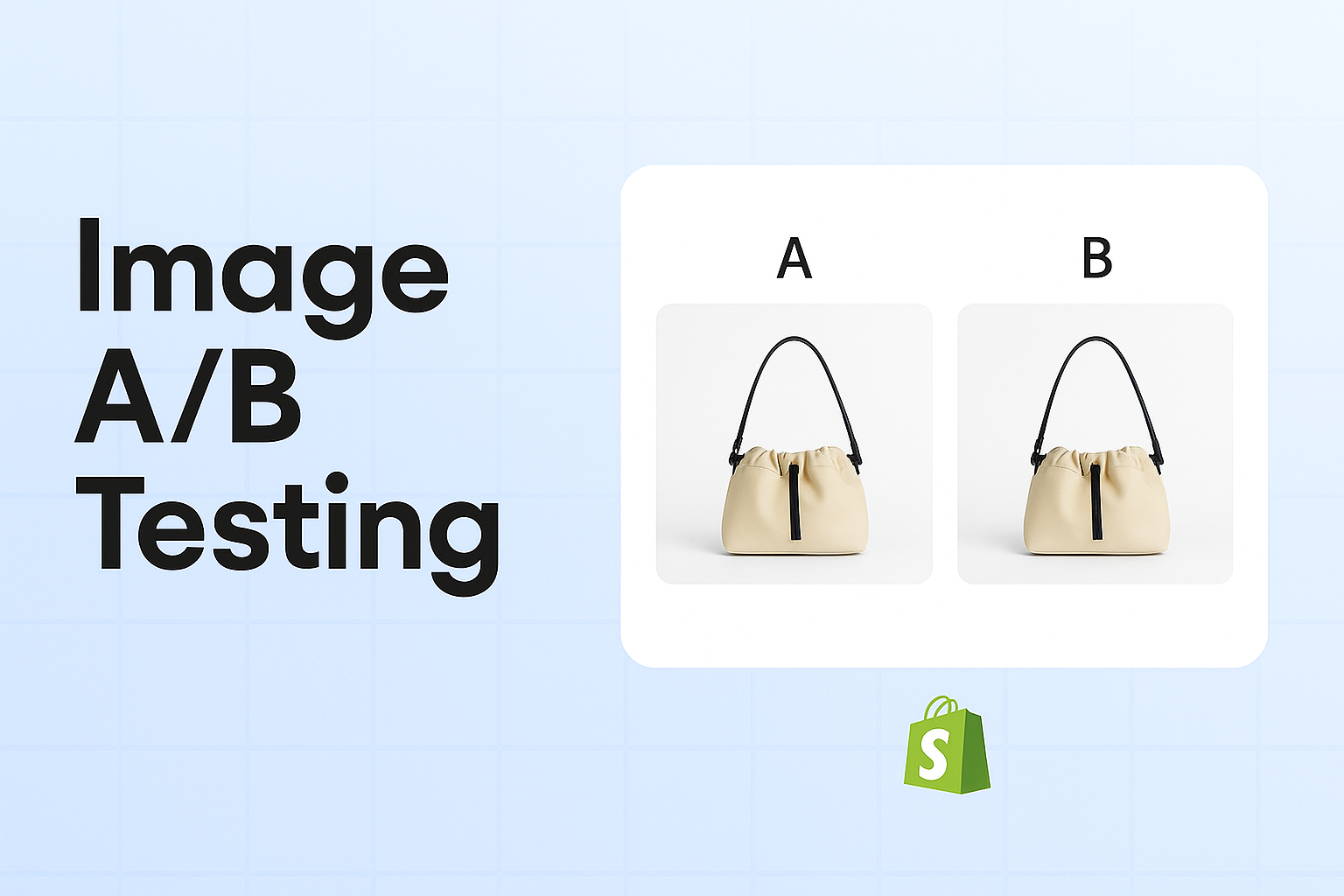
Utilizing Image A/B Testing: Optimizing Product Visuals for Maximum Conversion Rates on Shopify
In the competitive world of e-commerce, visuals play a pivotal role in shaping a customer’s buying decision. For Shopify merchants, optimizing product images through A/B testing can be a game-changer. This blog post will guide you through the process of using image A/B testing to enhance your product visuals and boost your conversion rates.
Why Image A/B Testing Matters
Images are often the first impression customers have of your product. They need to be not only visually appealing but also effective in conveying the product’s value. A/B testing allows you to experiment with different image variations, helping you identify which version resonates best with your audience.
Benefits of Image A/B Testing
- Increased Conversion Rates: By understanding which images perform better, you can optimize your product pages to convert more visitors into buyers.
- Enhanced User Engagement: Images that capture attention can lead to longer site visits and more interactions.
- Data-Driven Decisions: Rather than relying on assumptions, A/B testing provides concrete data to inform your decisions.
Setting Up Image A/B Testing on Shopify
Before diving into testing, it's important to set up a structured approach:
- Identify Your Goal: What do you want to achieve with your images? Is it more clicks, higher conversions, or better engagement?
- Select Images for Testing: Choose two or more variations of a product image. These could differ in background, angles, or the presence of models.
- Use a Testing Tool: Utilize tools like Google Optimize, Optimizely, or specifically designed Shopify apps to manage your A/B tests efficiently.
Key Elements to Test
When conducting image A/B tests, consider experimenting with the following elements:
- Background Color: A simple change in background color can significantly impact how your product is perceived.
- Image Angles: Test different angles to showcase the product’s best features.
- Lifestyle vs. Studio Shots: Compare the effectiveness of images in a lifestyle context versus a studio setting.
- Inclusion of Models: Determine if images with models increase relatability and conversions.
Best Practices for Image A/B Testing
To ensure your tests are effective, follow these best practices:
- Test One Variable at a Time: Isolating variables helps you pinpoint exactly what influences customer behavior.
- Run Tests for a Sufficient Duration: Allow enough time to gather meaningful data, typically a few weeks, depending on your traffic volume.
- Ensure Statistical Significance: Make sure your results are statistically significant to draw reliable conclusions.
Analyzing A/B Test Results
Once your test has concluded, it's time to analyze the results:
- Conversion Rates: Check which image variant led to the highest conversion rate.
- Click-Through Rates (CTR): Examine which images resulted in more clicks.
- Bounce Rates: Identify if better images lead to lower bounce rates.
Implementing Winning Variations
After identifying the winning image, implement it across your Shopify store. Monitor the changes to ensure that the improved visuals consistently enhance user experience and conversion rates.
Conclusion: Enhance Your Shopify Store with ImageFlow
Image A/B testing is a powerful strategy to optimize your Shopify store's visuals and maximize conversions. By making data-driven decisions, you can ensure your product images are not only eye-catching but also effective in driving sales.
For Shopify merchants looking to streamline their image testing process, consider integrating tools like ImageFlow. ImageFlow simplifies the A/B testing process, providing insights and analytics to help you make informed decisions faster.
Start experimenting with your product visuals today and watch your Shopify store's conversion rates soar. Are you ready to take your product images to the next level? Try ImageFlow and experience the difference!