Product Create
The Product Creation feature in the Image Flow app is an exciting tool that allows you to seamlessly create products from folders in your cloud storage provider.
How Does Product Create Feature Work
If you want to create multiple products with images uploaded to them simultaneously, simply organize your cloud storage by creating a main folder containing multiple subfolders. Each subfolder represents a product, and the images inside correspond to that product's images. The name of each subfolder will be used as the product name.
Let's go through the steps to create products this way using Image Flow.
Step-by-Step Guide
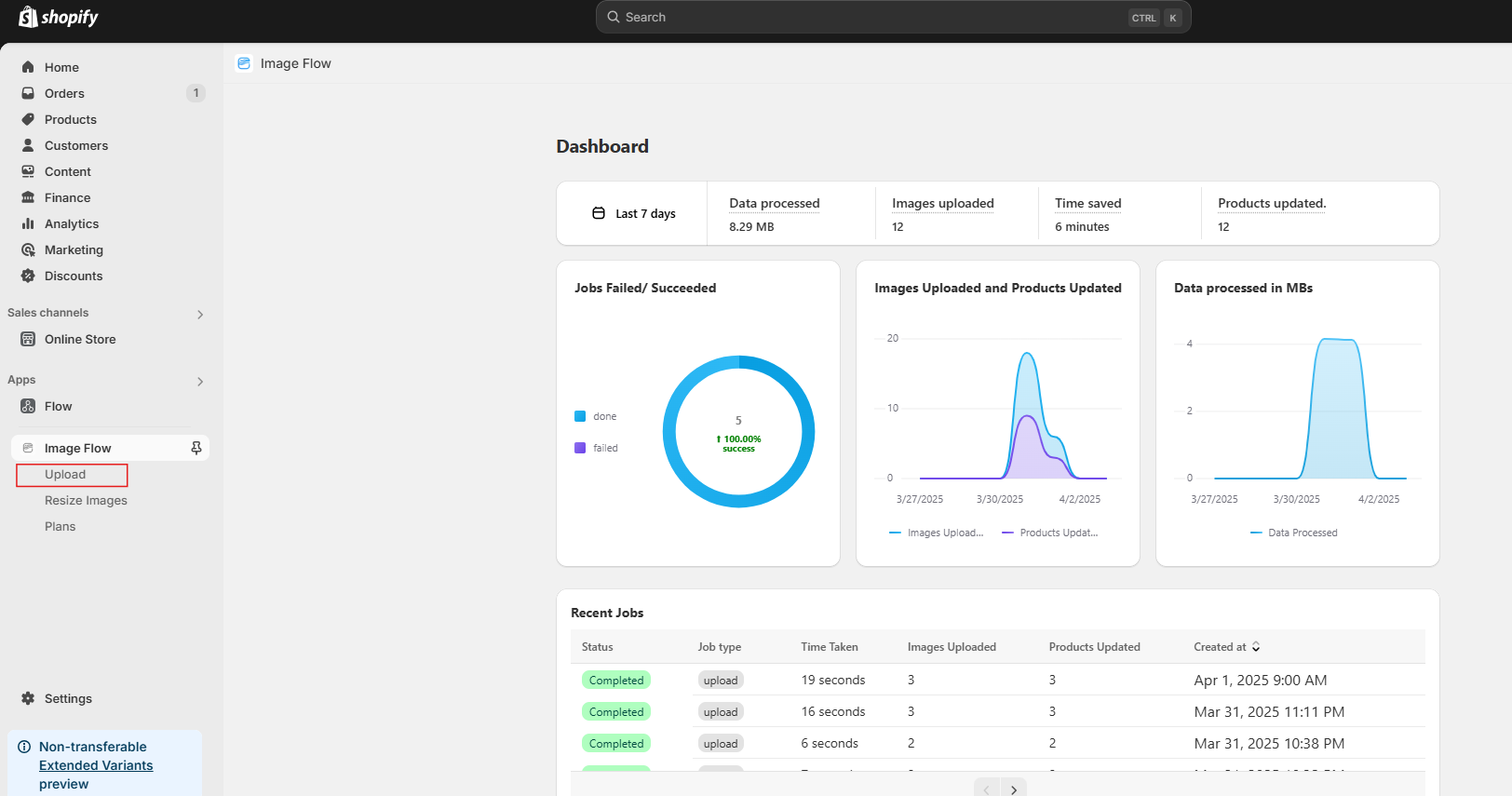
Open the Image Flow app in your Shopify store, then navigate to the left sidebar and select the "Upload" option.
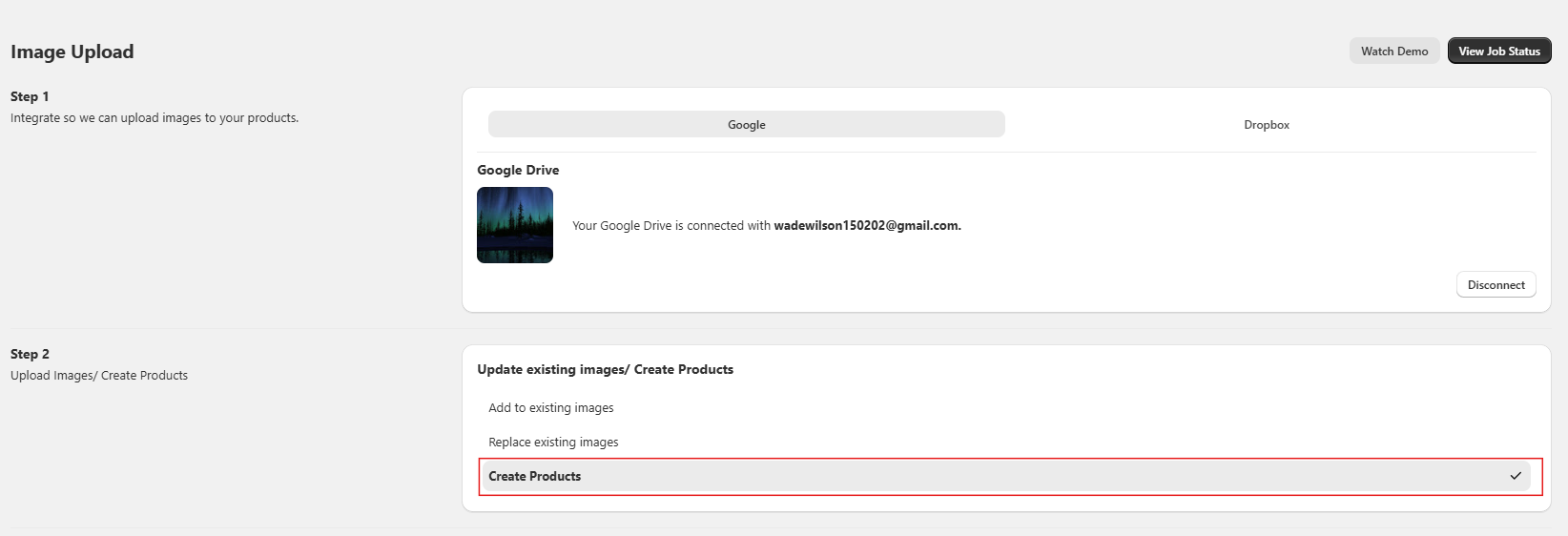
In Step 2, "Upload Images/Create Products," select the "Create Products" option.
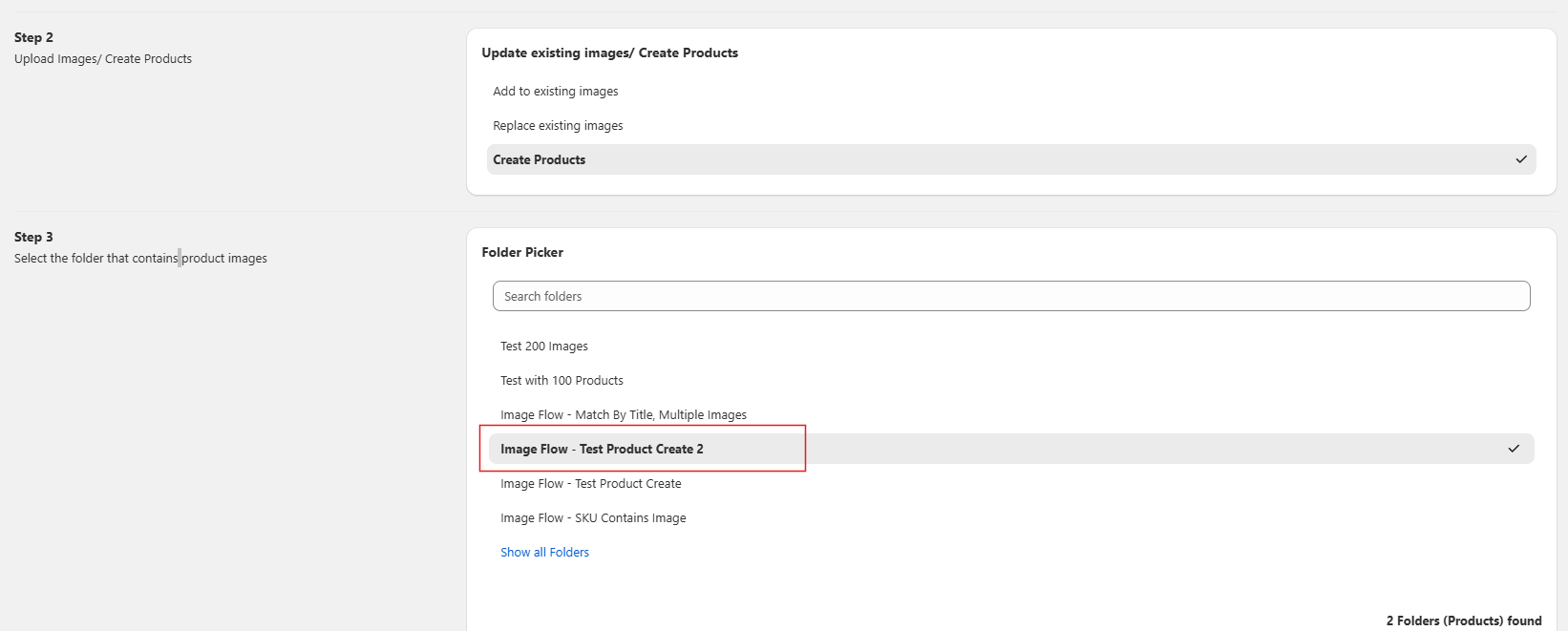
In Step 3, "Select the folder that contains product images," choose the folder of your choice.
Organizing Your Files in Google Drive
The file structure in Google Drive should look like this:
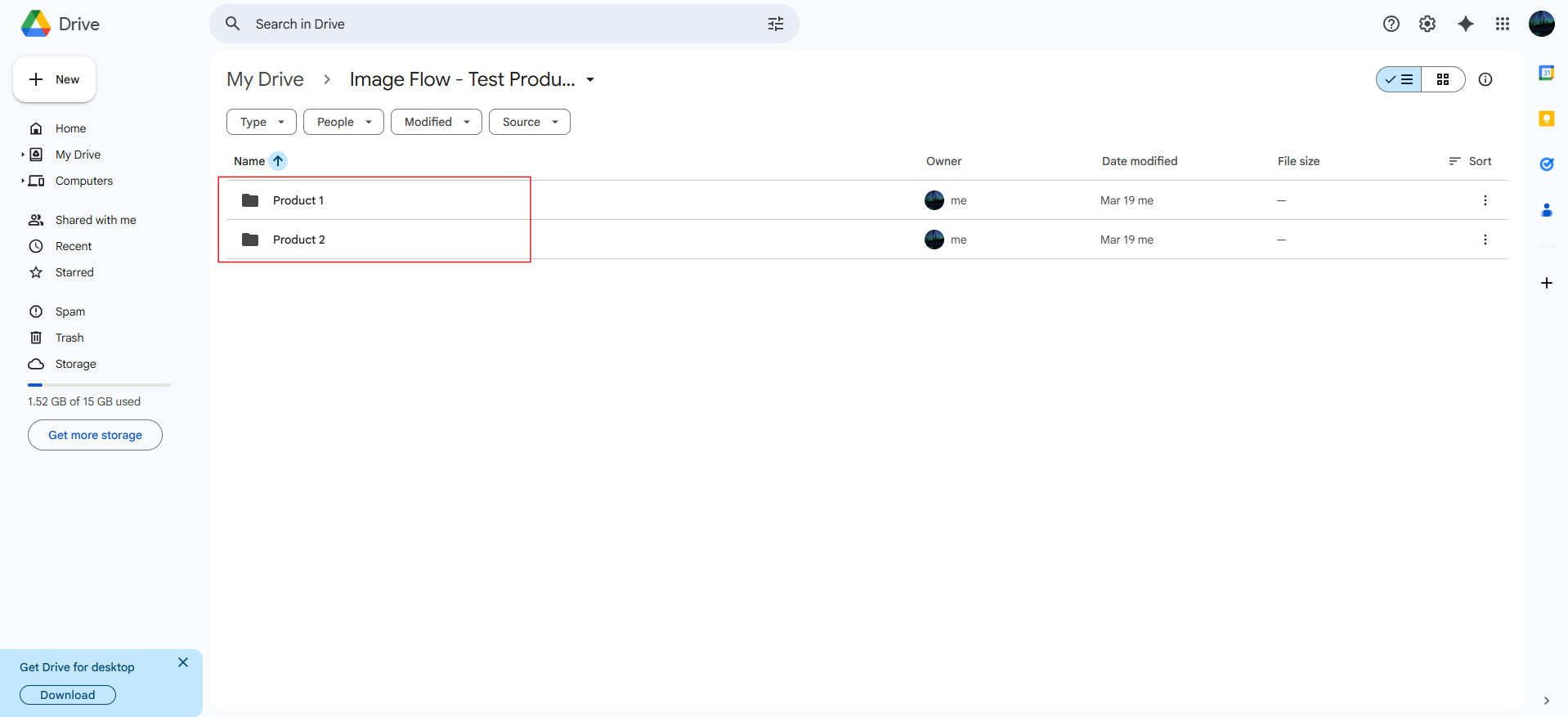
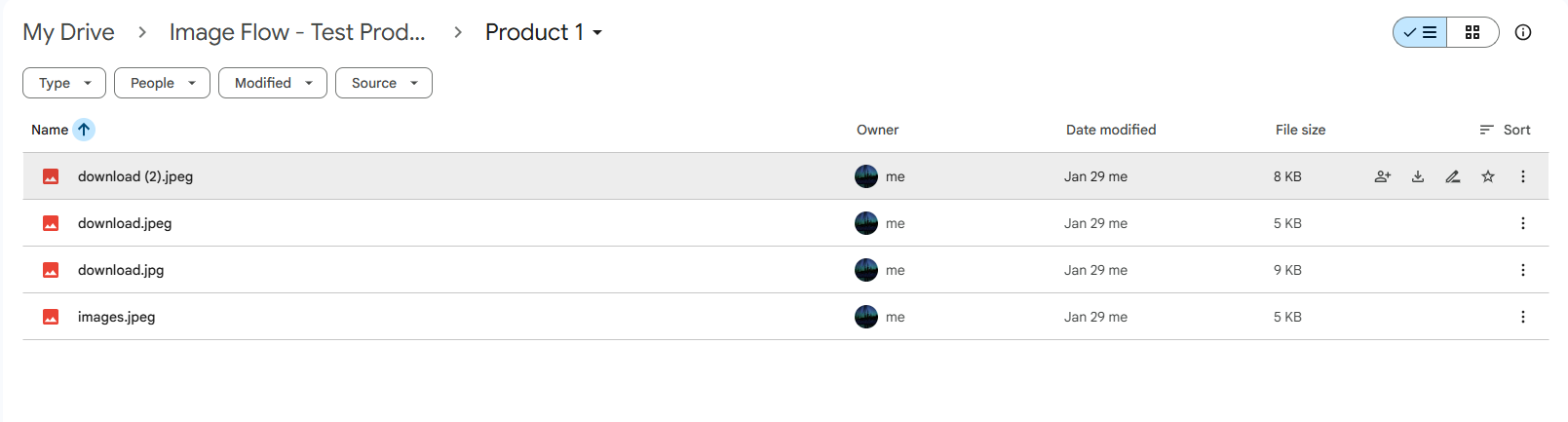
Each subfolder represents a product, and the images inside will be attached to that product.
Reviewing Product Summary
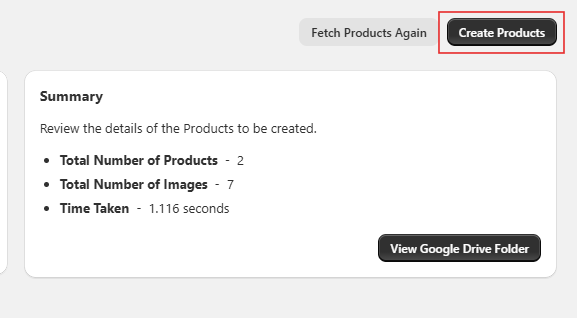
Click on the "Create Products" button. You will then be redirected to the Product Create Summary page, where you can review the product details, including the number of images in each folder that will be used to create a product.
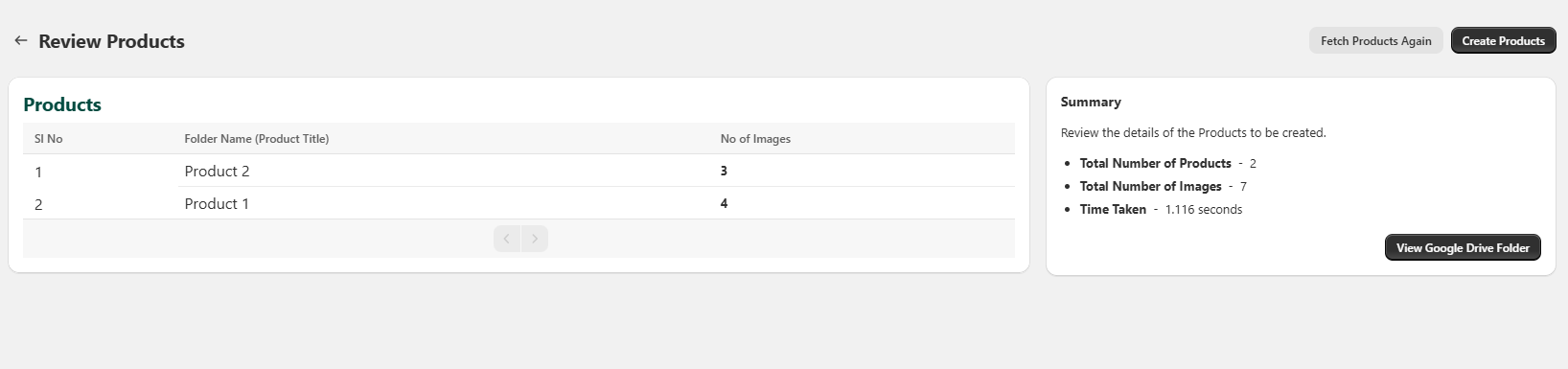
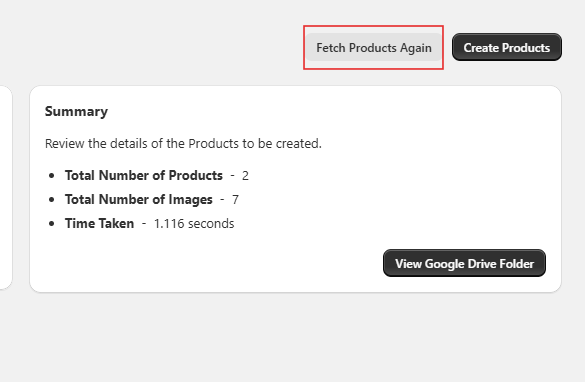
If you notice any discrepancies in the data from your cloud storage provider, you can click on "Fetch Products Again" to refresh and update the product list.
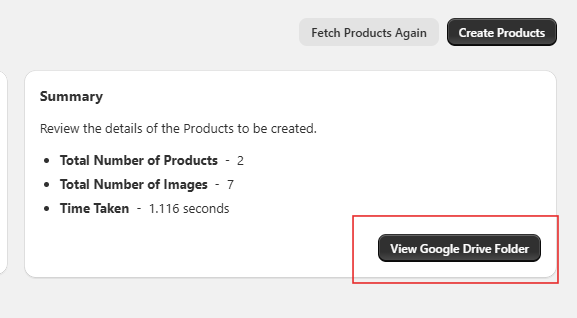
If you've selected a folder from Google Drive, you also have the option to view the folder directly on Google Drive.
Creating the Products
After reviewing the data, click on "Create Products".
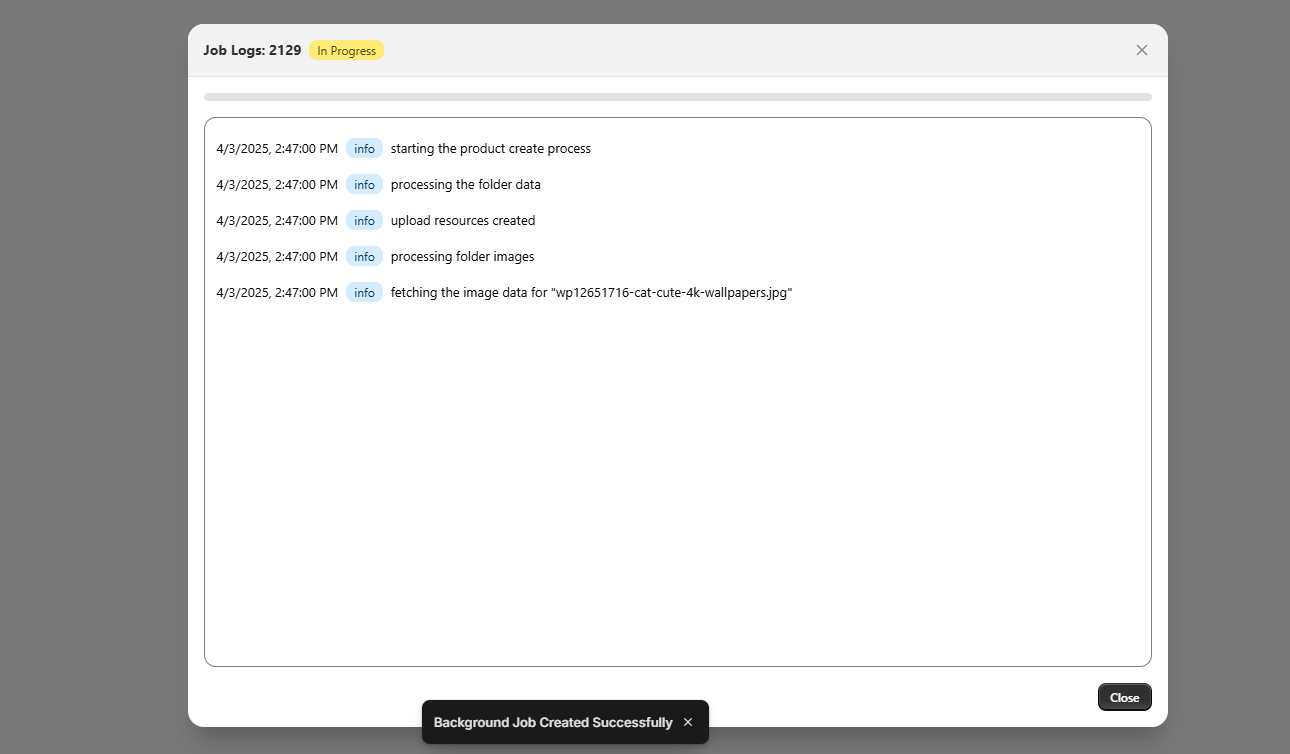
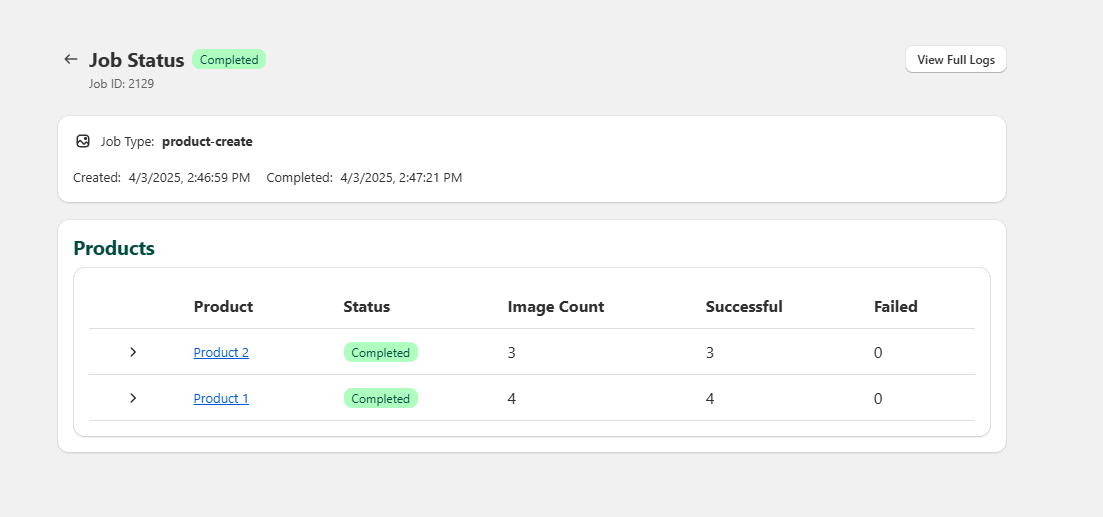
After clicking "Create Products", you'll be taken to the Background Job Info page, where you can verify the products created once the job is complete and monitor the logs in real time.
Viewing Your New Products
View the products added to your store.
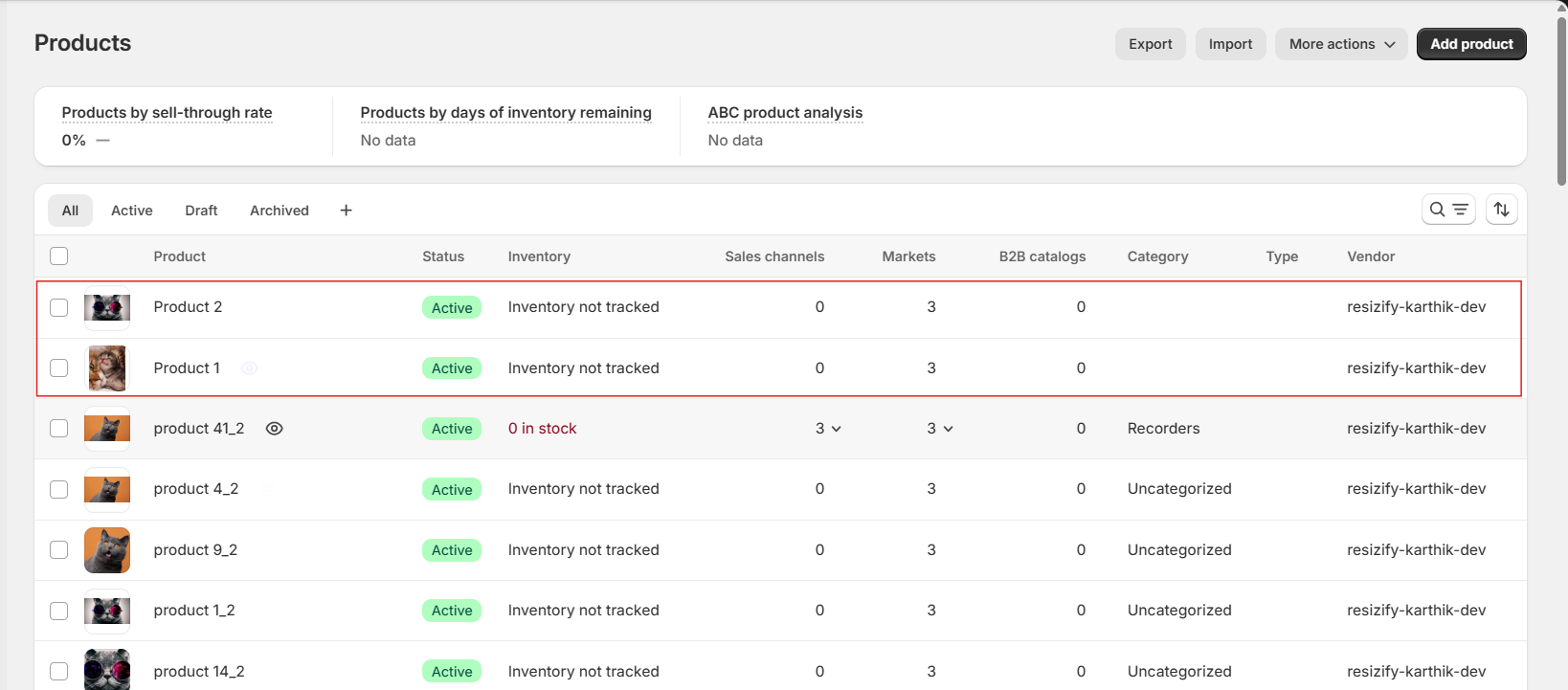
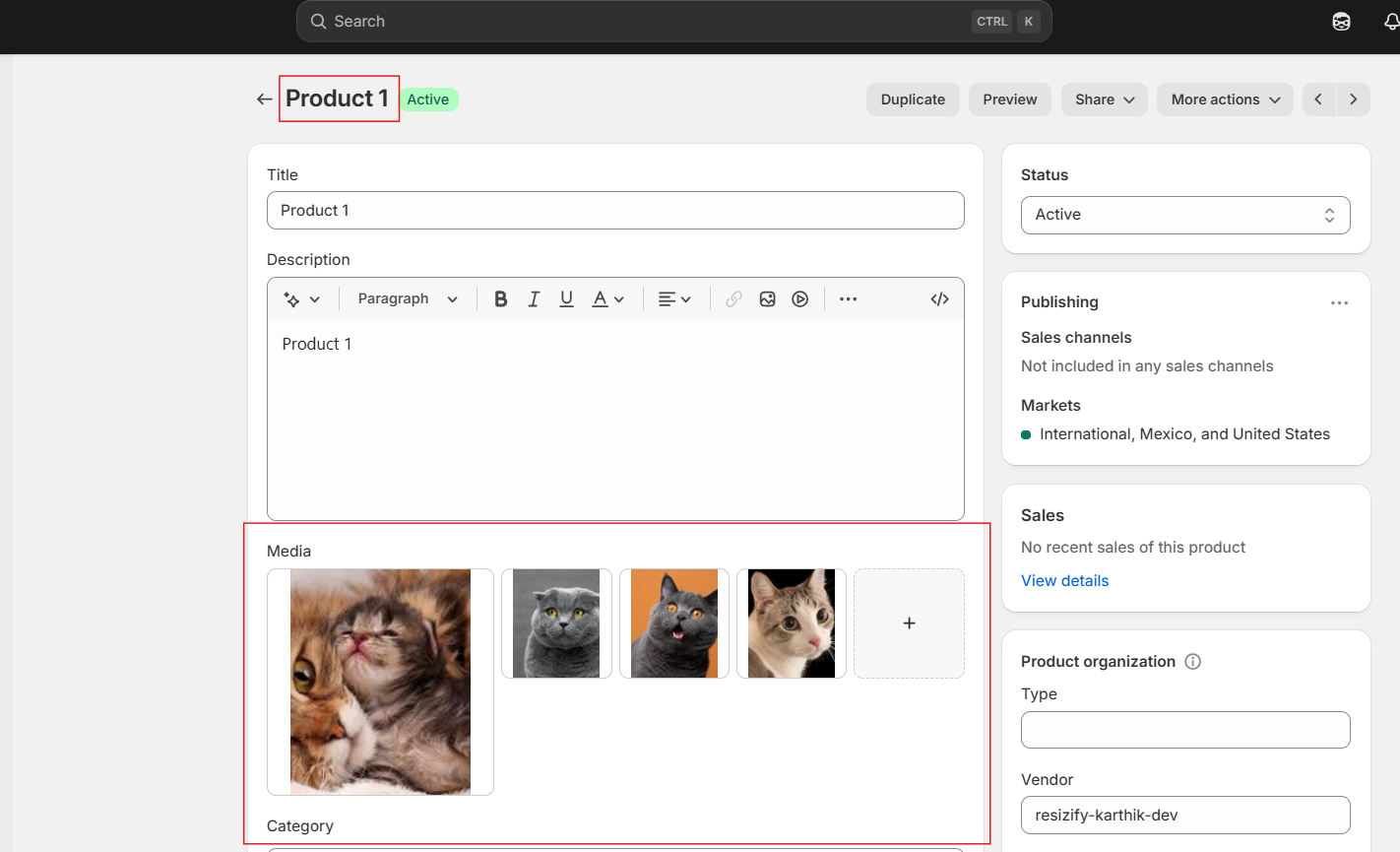
And there you go! That is how you create products seamlessly with Image Flow App.